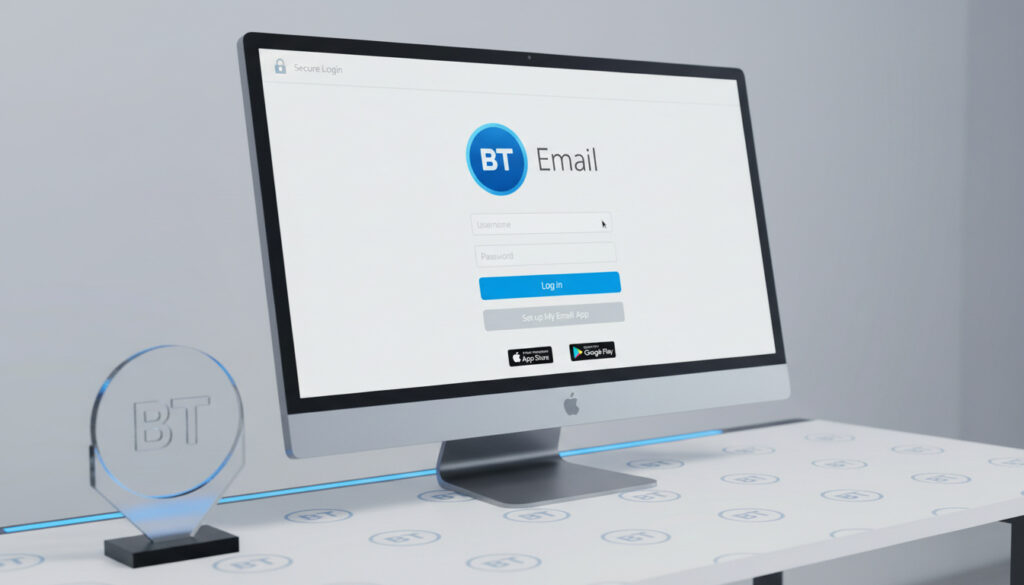
Bt Email Login Page – Official Access, App and Setup Guide
Accessing your BT email account requires navigating to the correct login portal or using the dedicated mobile application. BT provides multiple entry points for users, including the primary web interface at email.bt.com and the BT Email app for Android and iOS devices. Understanding these access methods ensures users can manage their communications efficiently, whether using legacy talk21 addresses or newer BT internet domain accounts.
The service accommodates various user needs, from those requiring mobile convenience to others integrating email with desktop clients like Outlook. However, access levels vary depending on subscription type, with BT Basic customers facing specific restrictions compared to premium and standard service tiers.
How to Access BT Email Login Page and Shortcuts
Direct login at email.bt.com
BT Email app for Android 11+ and iOS 16.0+
IMAP support for Outlook and third-party clients
Official help at bt.com/help/email
- Direct web access available at email.bt.com with full mailbox functionality
- Bookmark functionality enables home screen shortcuts on mobile and desktop devices
- Native applications provide ad-free interfaces with integrated cyber security features
- Password recovery processes align uniformly between web and mobile platforms
- IMAP protocol support allows configuration with third-party email clients
- Legacy domain compatibility includes talk21.com and btinternet.com addresses
- BT Basic subscribers restricted to browser-based access without application privileges
| Aspect | Specification |
|---|---|
| Primary Login URL | email.bt.com |
| Alternative Access Point | BT Help Login Portal |
| Android Requirements | Version 11 and above |
| iOS Requirements | Version 16.0 and above |
| Application Size | Approximately 50 MB |
| Current App Version | 25 (as of latest update) |
| IMAP Server | imap.email.bt.com (Port 993, SSL) |
| SMTP Server | smtp.email.bt.com (Port 465, SSL) |
| Supported Domains | @bt.com, @btinternet.com, @talk21.com |
| Service Restrictions | App unavailable for BT Basic tier |
BT Email Login via Mobile App for Android
The BT Email app serves as the official free application for managing BT email accounts on mobile devices. Available exclusively to users of BT’s new premium and standard email services, the application offers a streamlined interface for sending, reading, and organizing messages without advertisements.
Download Sources and Version Requirements
The Google Play Store hosts the primary distribution channel for the Android application, currently offering version 25 with a file size of approximately 50 MB. Alternative repositories including Uptodown provide version 25.4.1 for users requiring specific installation methods. Download from Google Play Store.
Users must update to version 25 immediately. BT has announced that older versions, including version 24, will soon be blocked from accessing services due to security protocol requirements.
Installation and Compatibility
Devices running Android 11 or higher maintain full compatibility with the current application release. Users encountering unsupported device messages should uninstall and reinstall the latest version from official sources. Those with incompatible hardware or operating systems must utilize webmail at email.bt.com or configure built-in device email clients.
Account Management Features
The application supports multiple account configuration through Settings > Manage Accounts > Add account. Users may enter email credentials, optional display names, and descriptions for each address. This functionality accommodates users managing several BT domains simultaneously within a unified interface.
BT Email Login with Outlook
BT email accounts support IMAP protocol configuration, enabling integration with Microsoft Outlook and other third-party email clients. This capability allows users to synchronize messages across desktop applications without relying on web browsers.
IMAP Configuration Settings
Standard configuration requires the incoming mail server imap.email.bt.com using port 993 with SSL encryption. The outgoing server utilizes smtp.email.bt.com on port 465 with SSL. These settings enable full send and receive functionality within Outlook environments.
While standard IMAP settings are documented, users should confirm specific server configurations through official BT help resources for their particular account type, as settings may vary between legacy and current service tiers.
Setup Process
Configuring Outlook requires entering the IMAP and SMTP server details in the account settings menu. Users must provide their complete BT email address and password during authentication. SSL encryption must remain enabled for both incoming and outgoing server connections to ensure secure data transmission.
How to Change BT Email Login Password
Password management for BT email accounts operates through standardized recovery procedures available across web and mobile platforms. The process accommodates legacy domain holders including talk21.com and btinternet.com addresses.
Password Reset Process
Users selecting “Forgot log-in details?” on the login screen initiate the recovery sequence. The procedure requires completing reCAPTCHA verification challenges before accessing password reset options. This security measure applies uniformly to both web access and mobile application interfaces.
The password reset process requires completing reCAPTCHA verification. This applies uniformly across web access at email.bt.com and within the mobile application interface.
Legacy Account Considerations
Email addresses utilizing talk21.com, bt.com, or btinternet.com domains reset passwords through the same portals. No separate talk21 application exists; users with legacy accounts upgraded to new BT services may utilize the standard BT Email app. Those encountering persistent login issues should consult BT’s login troubleshooting documentation.
Steps to Access BT Email Login
- Navigate to the official BT email portal at email.bt.com or launch the BT Email mobile application downloaded from the Google Play Store
- Enter your complete BT email address, including domain (e.g., @bt.com, @talk21.com, @btinternet.com)
- Input your account password in the designated security field
- Complete any reCAPTCHA verification challenges if prompted by the security system
- For mobile app users: Ensure installation of version 25, configure account settings via Settings > Manage Accounts if adding multiple addresses
- Access your inbox dashboard or account management interface upon successful authentication
Established Facts and Uncertainties
| Established Information | Information Remaining Unclear |
|---|---|
| Web access functions at email.bt.com for all account types including legacy domains | Exact date when version 24 mobile app access will be permanently discontinued |
| Android application requires version 11 or higher; iOS requires 16.0+ | Specific iOS app feature differences compared to Android counterpart beyond basic compatibility |
| IMAP server addresses: imap.email.bt.com and smtp.email.bt.com with SSL encryption | Whether IMAP settings differ for legacy talk21 accounts versus standard BT accounts |
| BT Basic service tier restricts users to webmail access without app privileges | Migration timeline for remaining legacy email domains to new service infrastructure |
| Password resets utilize unified web and app processes requiring reCAPTCHA verification | Future development roadmap for official desktop application availability |
BT Email Service Overview
BT Email functions as a communication service integrated with the UK broadband provider’s infrastructure. The system supports new premium and standard service tiers with full application access, while maintaining web-based functionality for BT Basic subscribers. Legacy domain integration ensures continuity for long-term customers utilizing historical address formats.
Like other UK service portals such as Admiral Car Insurance Login, BT Email maintains strict security protocols including reCAPTCHA verification and SSL encryption. The service architecture prioritizes data protection while offering flexible access methods across devices and platforms.
Documentation and Official Guidance
Log in to BT Email. Go to email.bt.com.
— BT Official Help Documentation
Essential Access Information
Users should access BT email primarily through email.bt.com for web-based management, or download the BT Email app from official stores for mobile access on Android 11+ devices. Desktop integration requires IMAP configuration using standard server addresses, while password recovery remains available through unified help portals. Those managing other UK financial accounts may find similar security structures when accessing services like NatWest Online Banking Login.
Frequently Asked Questions
What is the official BT email login URL?
The primary login address is email.bt.com. BT also provides access through their help portal for troubleshooting purposes.
Can I download the BT Email app from alternative sources?
While Google Play Store is the primary source, alternatives like Uptodown host version 25.4.1. However, unofficial sources may pose security risks compared to official channels.
Does the BT Email app support multiple accounts?
Yes. Navigate to Settings > Manage Accounts > Add account. Users can configure multiple BT addresses within a single interface.
What are the IMAP settings for BT email?
Use imap.email.bt.com (port 993, SSL) for incoming mail and smtp.email.bt.com (port 465, SSL) for outgoing mail. Verify these with BT help for your specific account type.
Is there a BT Email app for desktop computers?
No official desktop application exists. Desktop users must access email through web browsers or configure third-party clients like Outlook using IMAP.
How do I reset a forgotten BT email password?
Select “Forgot log-in details?” on the login screen. Follow prompts including reCAPTCHA verification to restore access.
Why can’t I use the BT Email app with my account?
The app requires BT’s new premium or standard email service. BT Basic customers and some legacy account holders must use webmail exclusively.
More related posts
 Lela Loren: Ethnicity, Career, and What She’s Doing Now
 Companies House Identity Verification: Complete Guide
 Jayne Mansfield Death: Car Crash, Children & Legacy
 Alexander Isak Newcastle Liverpool Transfer News – Complete Timeline and Facts
 BBC Weather Leighton Buzzard – Forecast and Conditions Update
 Nature Reserve Near Me – Find Local Trails and Wildlife
 Larry Wheels: Biography, Age, Height, Net Worth, and More
 Royal Mail Missed Delivery: What to Do & How to Redeliver